
AI Zombie Trend Video Generator from Two Photos
Make your AI Zombie Trend love story from two adult portraits. Choose the survivor and zombie, use the built-in story or your own reference video, and download an MP4 with reference audio.
Two portraits. A new couple.
MiniMax H3Reference video

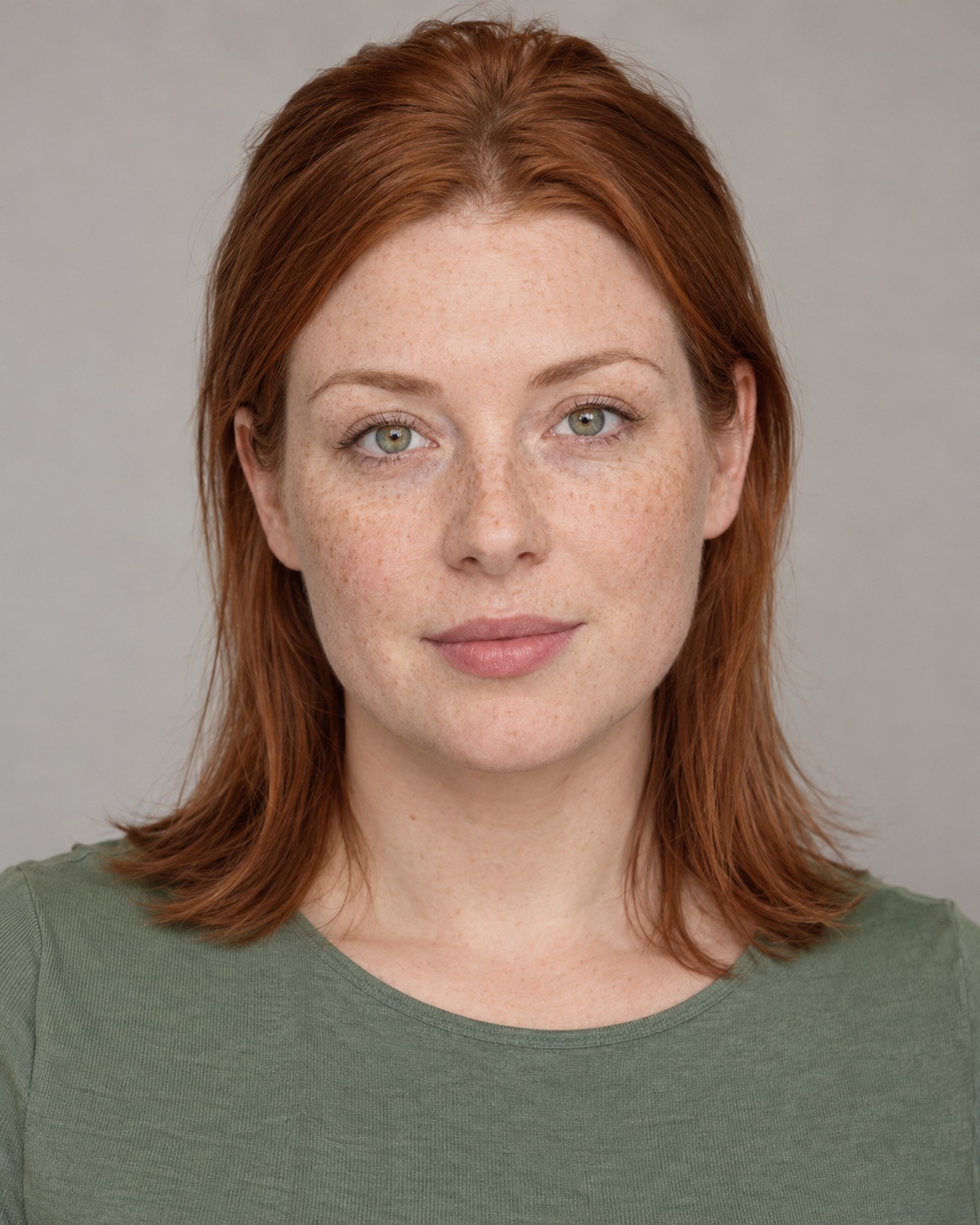
This external trend reference is a continuous 20-second excerpt sped up to 15 seconds, with synchronized original audio. The two portraits are AI-generated example inputs; a matching generated result is not available yet.
Choose your two characters
One clear adult face per photo. JPG, PNG or WebP, up to 10 MB each.
Man · Human survivor
Woman · Zombie loved one
Estimated cost: 240 credits
Preparing the story template…
How do I make an AI Zombie Trend video?
On Kavello, upload two adult portraits, assign the survivor and zombie roles, choose a reference video and output settings, then generate and download an MP4. The built-in reference is 15 seconds. Generation requires sign-in and credits; the downloaded video uses the selected reference audio.
How to make an AI Zombie Trend video
1. Upload two portraits
Upload one clear adult male portrait and one clear adult female portrait, each showing a single face. Use a front-facing photo with even light and no sunglasses or heavy filters. JPG, PNG and WebP are supported, up to 10 MB per image.
2. Check who becomes the zombie
The male role is the survivor; the female role becomes a zombie in the built-in story. Check the two photo slots and swap them if needed. Keep the built-in reference or upload your own MP4, then choose resolution, output length and aspect ratio.
3. Generate, then watch and download
Review the displayed credit cost and submit. Sign in when prompted. Track the task in your video workspace, then preview and download the completed MP4. Check the faces, scene transitions and audio before sharing.
What is the AI Zombie Trend?
The AI Zombie Trend is an AI-generated love story, also called the zombie hug trend or zombie love story. One person has become a zombie. The other recognizes them, lowers a weapon and chooses to embrace them. The scene then cuts to a warm memory where both people are alive and healthy.
This template requests a non-graphic two-adult story. It guides generation with a reference clip and two portraits; it does not guarantee an exact face match or a frame-for-frame remake. Pets are not supported in this version.
The story in the built-in zombie hug template
The reference moves from a confrontation in a ruined room to recognition, lowered hands and an embrace. The hug leads into a sunlit field memory. The built-in clip is 15 seconds; a shorter output may omit part of this sequence. The model uses it as a guide, so the finished shots and timing can differ.
Choose your video format and reference
- 16:9 or 9:16
- 16:9 follows the wide composition of the built-in reference. Choose 9:16 for a vertical TikTok or Instagram Reels frame. Changing the ratio can change the framing; check that both characters remain visible.
- Output length, resolution and credits
- Choose 4, 8, 12 or 15 seconds at 768P or 2K. The default is 15 seconds at 768P. Credits include both reference and output duration; the estimate above updates when you change settings or upload another reference.
- Built-in or custom reference video
- The built-in reference supplies the zombie love story. A custom reference supplies its own action and setting. Upload an MP4 lasting 4–15 seconds, up to 30 MB, with one adult man and one adult woman and a readable AAC audio track. Two separate portrait photos are still required.
AI Zombie Trend credits for the built-in reference
| Output length | 768P | 2K |
|---|---|---|
| 4s | 152 | 247 |
| 8s | 184 | 299 |
| 12s | 216 | 351 |
| 15s | 240 | 390 |
Each total includes the 15-second reference plus the selected output length. Custom references use their actual duration. These are credits, not a cash price; check the displayed estimate before submitting.
View credit plansAI Zombie Trend prompt
You do not need to write a prompt here. This outline explains the story; use the template above to supply your photos.
Reference photo 1 is the human survivor. Reference photo 2 is the zombie loved one. Keep both identities distinct. In a ruined room, the survivor recognizes their loved one, hesitates and lowers the weapon. They embrace. Match cut to the same embrace in a warm sunset field, with both people alive and healthy. Keep the story non-graphic, with no blood, attacks, extra people or text.Use this template
Frequently asked questions
Can I use one photo or a photo with two people?
This version requires two separate portraits, one for each role. Crop a group photo into separate single-person portraits before uploading.
Is the AI zombie video free?
The selected settings use 240 credits per submission. Changing duration or resolution updates the cost, which includes reference and output duration. Sign-in and sufficient credits are required.
Does the video include the example music?
The downloaded MP4 uses audio from your selected reference, not a separate AI soundtrack. It is trimmed when the output is shorter and is not looped when the output is longer; any remaining video is silent. Custom references must include a readable AAC audio track.
Can I leave while the video generates?
After a task is created, you can return to your video history to check its status and download the result. Before submitting, keep this page open so your selected photos remain available.
What if my generation fails?
Check the task status and credit information in your video workspace before retrying. A new generation uses credits.
Can I make the AI Zombie Trend with a pet?
This tool currently supports two adult human characters, one man and one woman. It does not support a pet version of the zombie trend.
Do I need to write an AI Zombie Trend prompt?
No. The built-in template provides the story instructions. Upload two portraits and choose your settings. The prompt outline on this page explains the intended sequence; a custom reference follows the uploaded video instead.
How can I keep both faces recognizable?
Use one clear adult face per photo, with good lighting and no sunglasses, obstructions or heavy filters. If the roles look wrong, check the survivor and zombie photo slots. Faces can still change during the hug or the memory transition; exact identity and timing are not guaranteed. Check the result before deciding to generate again, since a new generation uses credits.
How do I use the same sound as a TikTok zombie trend video?
The downloaded MP4 contains your selected reference audio; it does not automatically select a TikTok sound. To use a particular sound, upload your finished video to TikTok and select that sound if it is available to your account. Lower or mute the original video audio to avoid overlapping tracks, then preview how the music lines up with the hug and memory transition before posting.